Extract audio from video on a Mac: 3 free ways, step by step
Pull the sound out of any video on a Mac with QuickTime Player, FFmpeg or Cutscript, and learn which of MP3, WAV and M4A to keep.
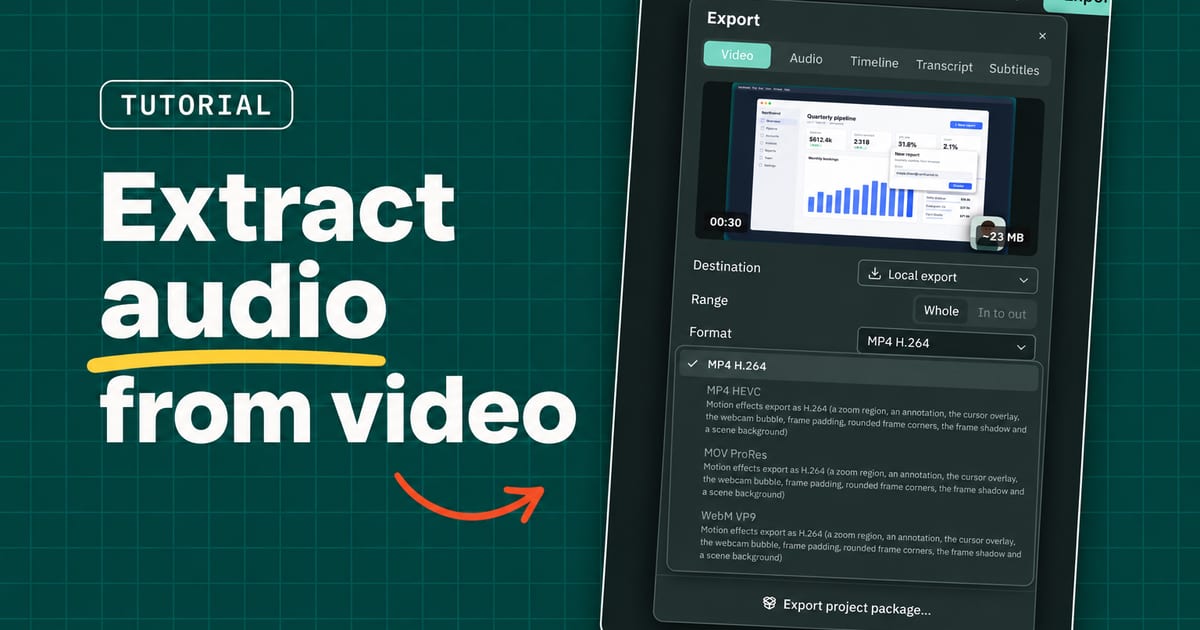
You have a video and you only want the sound: an interview for a podcast, a lecture to listen to on a walk, a voice track for another project. Your Mac can do it, but the built-in tool writes one format and hides the rest.
I pull audio out of videos every week, so here is what each method does and where it stops.
Quick answer: To extract audio from a video on a Mac, open it in QuickTime Player and choose File > Export As > Audio Only. Apple says this saves an MPEG 4 audio file with an AAC track. For MP3 or WAV, use Terminal with FFmpeg or Cutscript's Audio export.
Key Takeaways
QuickTime Player's Audio Only export saves one AAC audio file per video and offers no MP3 or WAV choice.
FFmpeg's stream copy keeps the original audio untouched, but only when the file you write can hold that audio's format.
Cutscript's Audio tab exports M4A, WAV, MP3 or FLAC, mono or stereo, at 44100 or 48000 Hz, and audio exports never carry a watermark.
Choose WAV when you will edit the sound again, M4A for everyday listening, and MP3 when a site or device demands it.
Converting a compressed file to a bigger format never brings quality back, so export from the original video once.
What do you need to extract audio from a video?
You need the video file on your Mac and a decision about the format. That second part matters more than people expect, because the three tools below write different formats.
If the video is a YouTube clip, only use it if you made it or have the right to reuse it, then work from the file. The methods below all start from a video file on disk.
MP3 vs WAV vs M4A: which should you pick?
Pick WAV to keep every detail, M4A for good quality in a small file, and MP3 when something insists on it. Here is what each one is.
WAV is a wrapper for the sound, and the audio inside is most often uncompressed LPCM. The Library of Congress calls LPCM a preferred format for sound in many long-term archives. Files get large, but nothing is thrown away.
MP3 is compressed. It uses perceptual coding, which discards audio components you are less likely to hear. At 128 kbit/s an MP3 is about one eleventh the size of the uncompressed audio.
M4A is the common file for AAC audio from Apple tools. AAC is generally used for final-state, end-user delivery, and the same page rates its quality well above MP3.
One rule from Apple Support: if you convert a song from a compressed to an uncompressed format, its quality doesn't improve. Once the detail is gone, it is gone.
Format | Compressed | File size | Best for |
|---|---|---|---|
WAV | No (usually) | Largest | Editing, archiving |
M4A (AAC) | Yes | Small | Listening, sharing |
MP3 | Yes | Small | Sites and devices that ask for MP3 |
The Mac way: QuickTime Player (free, built in)
QuickTime Player extracts the audio in four clicks, and it is the right tool when you want one quick file.
Open the video in QuickTime Player.
Choose File > Export As.
Choose Audio Only from the Export menu.
Name the file and press Save.
Apple's QuickTime Player guide describes the result as an Apple MPEG 4 audio file with an AAC audio track. On my Mac the file ends in .m4a. If the Export menu shows no options, Apple says the recording may be copyright protected.
How do I get an MP3 from QuickTime's file?
QuickTime Player has no MP3 choice, so you convert the file afterwards. Apple's steps for M4A to MP3 use the Music app: open Music > Settings > Files > Import Settings, set Import Using to MP3 Encoder, add the file, then choose File > Convert > Create MP3 Version.
That works, but it compresses a second time. Apple warns that converting between compressed formats such as AAC and MP3 may reduce sound quality. If you know you need MP3, export it straight from the video instead.
The Terminal way: FFmpeg
FFmpeg is a free command line tool that runs on a Mac once you install it, and it handles batches well. The FFmpeg documentation is the official reference for every option below.
To copy the audio exactly as it is, run this in Terminal:
ffmpeg -i input.mp4 -vn -c:a copy output.m4aThe -vn option disables video, and copy means the stream is not re-encoded. That is stream copy: FFmpeg moves the existing audio into a new file with no quality loss, and it finishes in seconds.
The catch is the file type. Copy only works when the output file can hold the audio that is already inside. A video with AAC sound fits an .m4a file.
A video with another codec may not fit, and the FFmpeg FAQ warns that copying "may not work depending on the format / codec / player / phase of the moon." If it fails, re-encode.
To re-encode to MP3, name the encoder and a bitrate:
ffmpeg -i input.mp4 -vn -c:a libmp3lame -b:a 192k output.mp3The libmp3lame encoder takes a bitrate with -b:a. Re-encoding always costs a little quality, because the audio is compressed again. For WAV, use output.wav and FFmpeg writes uncompressed audio.
The Cutscript way: export audio, or split it from the picture
Cutscript exports the sound of any video in one step, and you can edit it first. It is the way I use when the audio needs a trim, a fade or a volume fix before it leaves my Mac.
Export just the audio
Drop the video file on the home screen to start a project.
Press Export in the top right, or press Command E.
Open the Audio tab.
Choose a format: AAC audio (.m4a), Lossless WAV audio (.wav), which is the default, MP3 audio (.mp3) or FLAC (.flac).
Open Advanced to pick Mono or Stereo and a sample rate of 44100 or 48000.
Press Export and choose where to save.
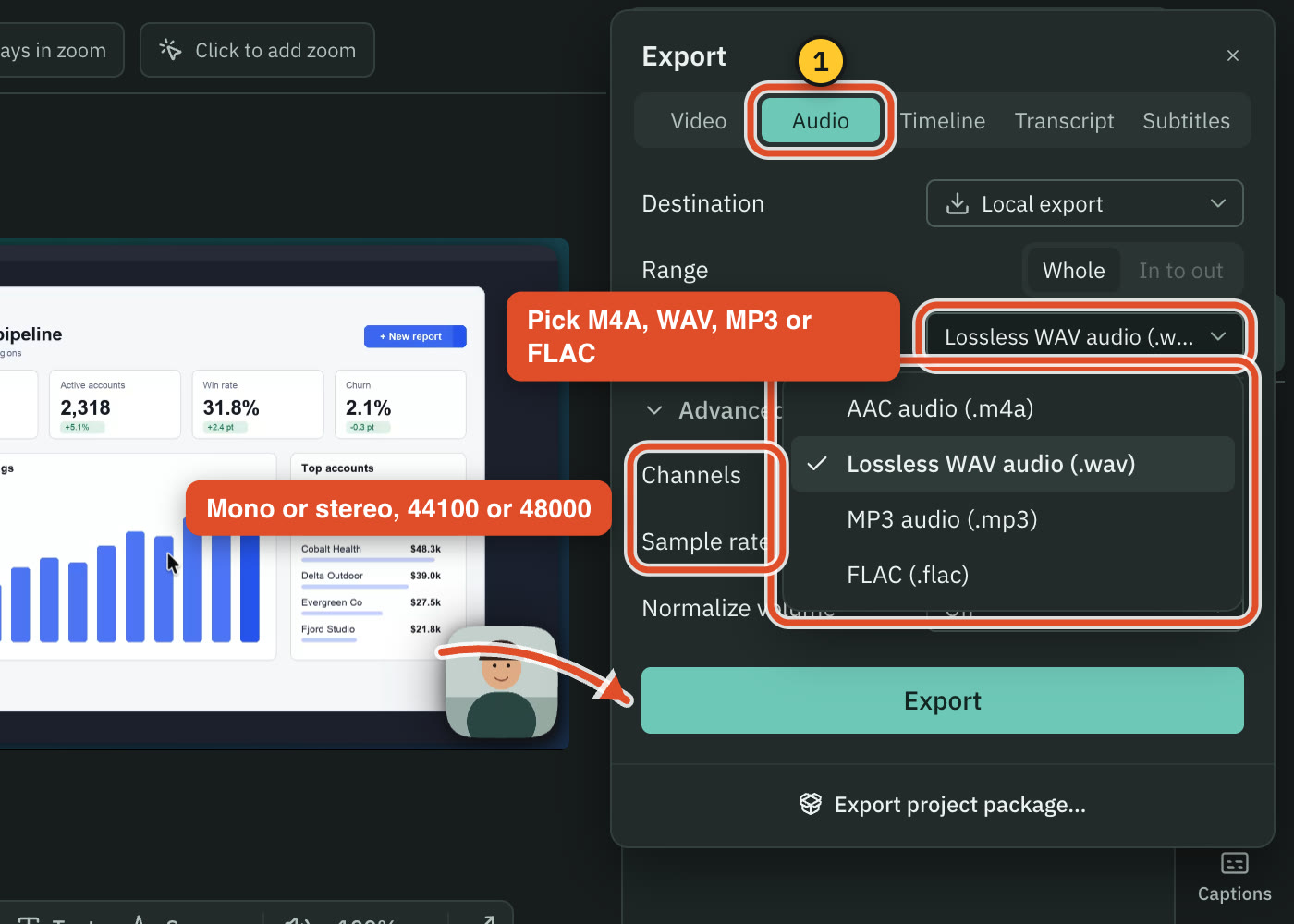
The export guide lists every option. The same loudness choices as video apply, so you can set the level to a platform target such as -14 LUFS. Audio exports never have the free plan's watermark, and the format list is the same for free and Pro, which you can confirm on the pricing page.
Separate the sound from the picture
A recording's picture and its Dialogue stay linked, so a cut never leaves the sound behind. To work on the sound alone, right-click the Dialogue row on the timeline and choose Unlink audio (Command L).
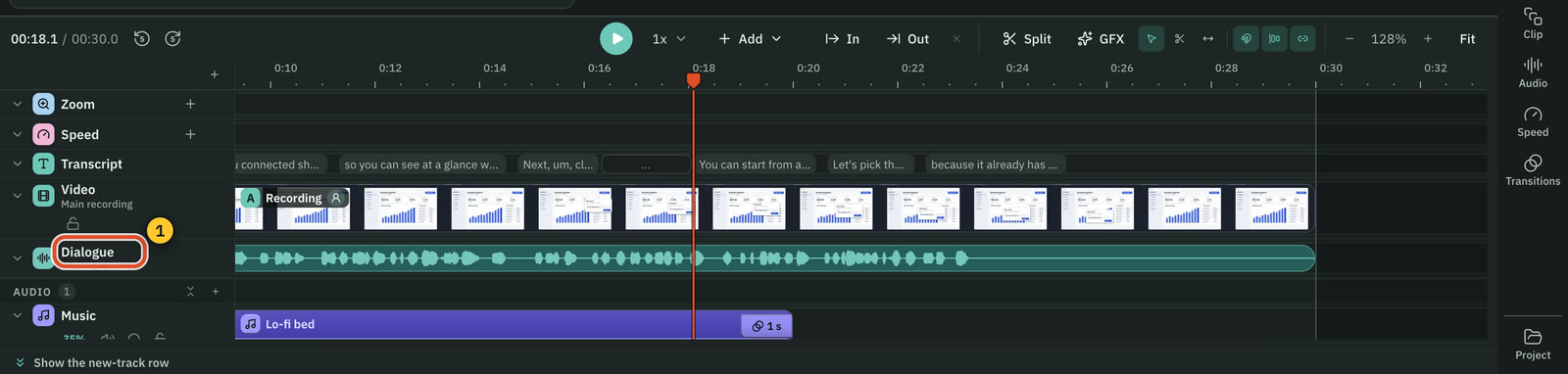
The dialogue becomes ordinary clips on a Dialogue track in the Audio group. The timeline guide explains how to move, trim and relink them. Click a clip, open Clip in the right rail, and set Fades and volume.
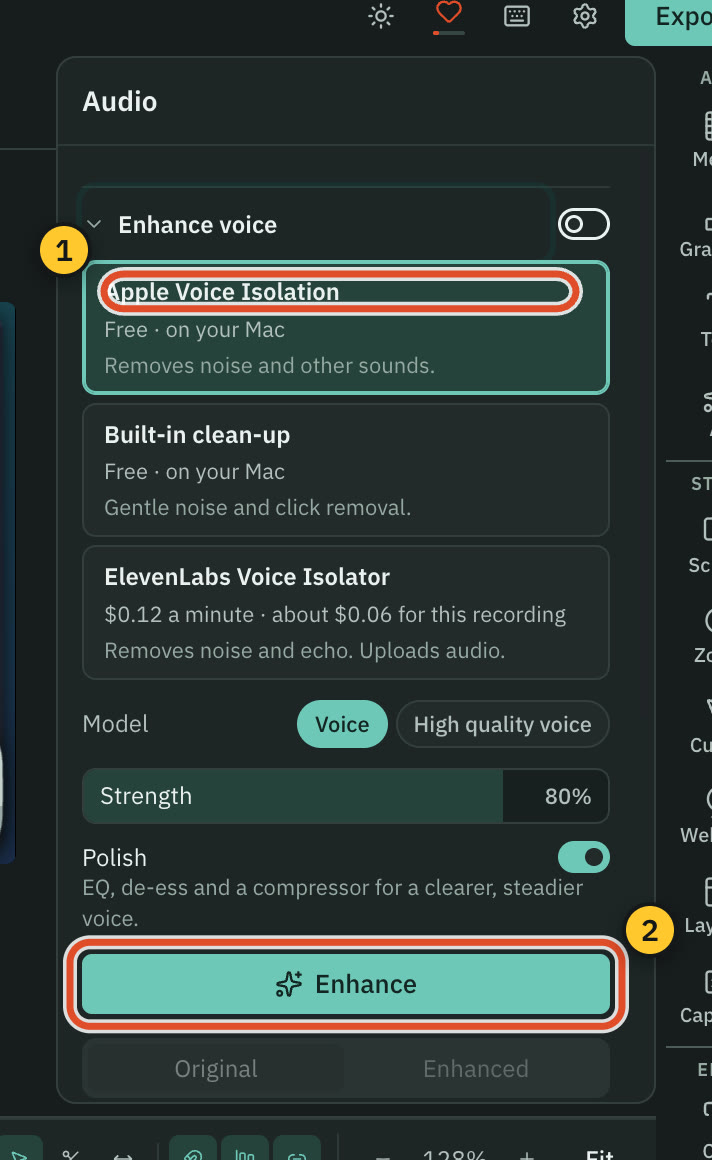
Where Claude helps
In the Claude desktop app, Claude Code works with files on your computer. With FFmpeg installed, it can run FFmpeg on your video and take out the audio with the -vn option, which turns off the video stream.
In a regular chat, the upload list for Claude covers documents and images, not video or audio files, so give Claude the sound as a transcript. Then it can write chapters and show notes in a minute.
Paste this into Claude with the transcript:
You are a podcast editor. I will paste the transcript of an audio file.
Write: 1) a 2-sentence summary, 2) 5 to 8 chapter titles with start
timestamps copied from the transcript, 3) 5 bullet-point show notes.
Rules: use only what is in the transcript, no invented facts, titles under
8 words, plain language. Output as Markdown with these three headings.
Settings and mistakes to avoid
Converting twice. Going from video to M4A to MP3 compresses the sound two times. Export the format you need once.
Expecting copy to work everywhere. If
-c:a copyfails, the file type does not match the audio inside. Re-encode or pick another extension.Choosing WAV for sharing. WAV is the biggest file. Use M4A or MP3 for anything you send.
Wrong channels. Mono halves the data for a single voice. Choose Stereo for music.
Which method should you use?
Method | Formats | Best for | Limit |
|---|---|---|---|
QuickTime Player | AAC in an MPEG 4 audio file | One quick file | No MP3 or WAV, no editing |
FFmpeg in Terminal | Almost any | Batches, exact copies | You type commands |
Cutscript | M4A, WAV, MP3, FLAC | Editing, then exporting | Free exports carry a watermark on video only |
Frequently Asked Questions (FAQs)
Can QuickTime Player extract audio as MP3?
No. Apple's guide lists Audio Only as an AAC audio file. To get an MP3, convert it with the Music app, or export MP3 directly from a tool that offers it, such as Cutscript's Audio tab.
Can I extract audio from a video without losing quality?
Yes, with stream copy in FFmpeg or by exporting WAV. Stream copy moves the original audio into a new file untouched. WAV stores the sound uncompressed, so nothing more is lost.
How do I extract audio from an MP4 file?
Use the same steps as for any video. QuickTime Player opens most MP4 files, and the FFmpeg command ffmpeg -i input.mp4 -vn -c:a copy output.m4a works when the MP4 holds AAC audio.
Is WAV better than MP3?
WAV keeps more detail and makes larger files. MP3 throws away sound you are less likely to hear to get a small file. Use WAV for editing and MP3 for sharing.
Can I extract audio from a YouTube video?
Only from videos you made or have the right to use. Download the video first, then use any method above on the file.
Final Thoughts
QuickTime Player gets you an AAC file fast, and FFmpeg gives exact copies for people who like Terminal. If you want to choose MP3, WAV or M4A and trim or fade first, Cutscript does it in one export. Drop a video on the home screen, press Command E and open the Audio tab.
Comments
Longer questions go better in the forum.
No comments yet. Ask a question or add what you found.
Sign in with GitHub or Google to comment.
Sign in to commentKeep reading
Tutorials
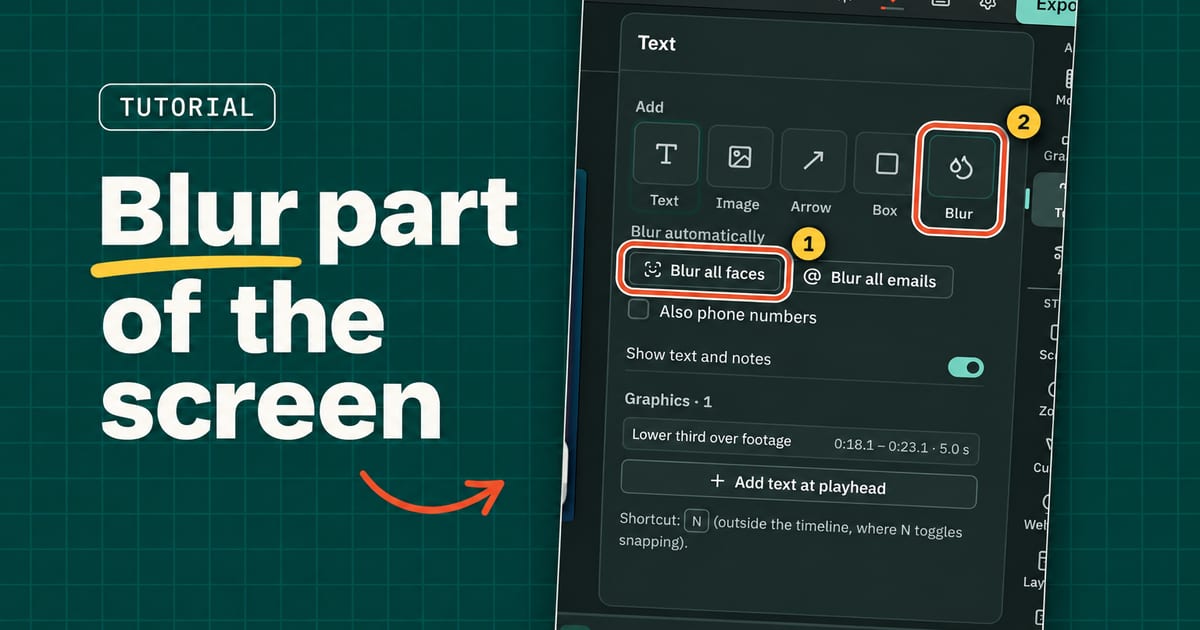
Blur screen in a video: 3 ways to hide private details
Hide emails, names, passwords and faces in a screen recording. A fixed box, a blur that follows, and what QuickTime Player and iMovie can do.
Tutorials
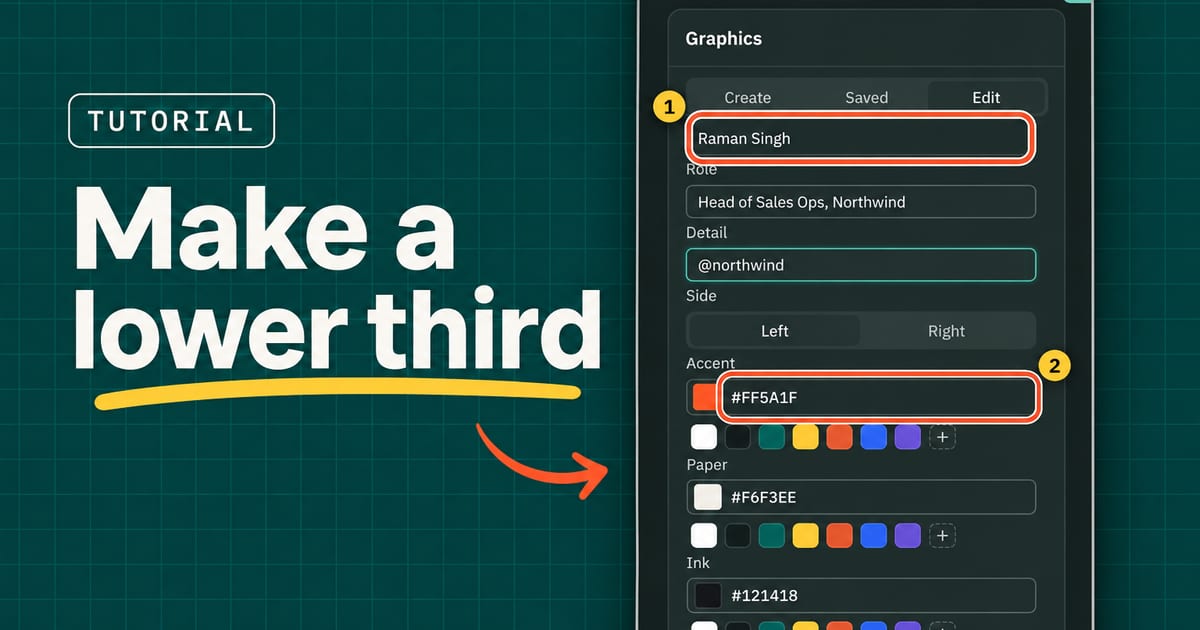
Lower third: how to make one for free on a Mac
What a lower third is, the safe area and contrast rules that keep it readable, and three free ways to build one on a Mac.
Tutorials
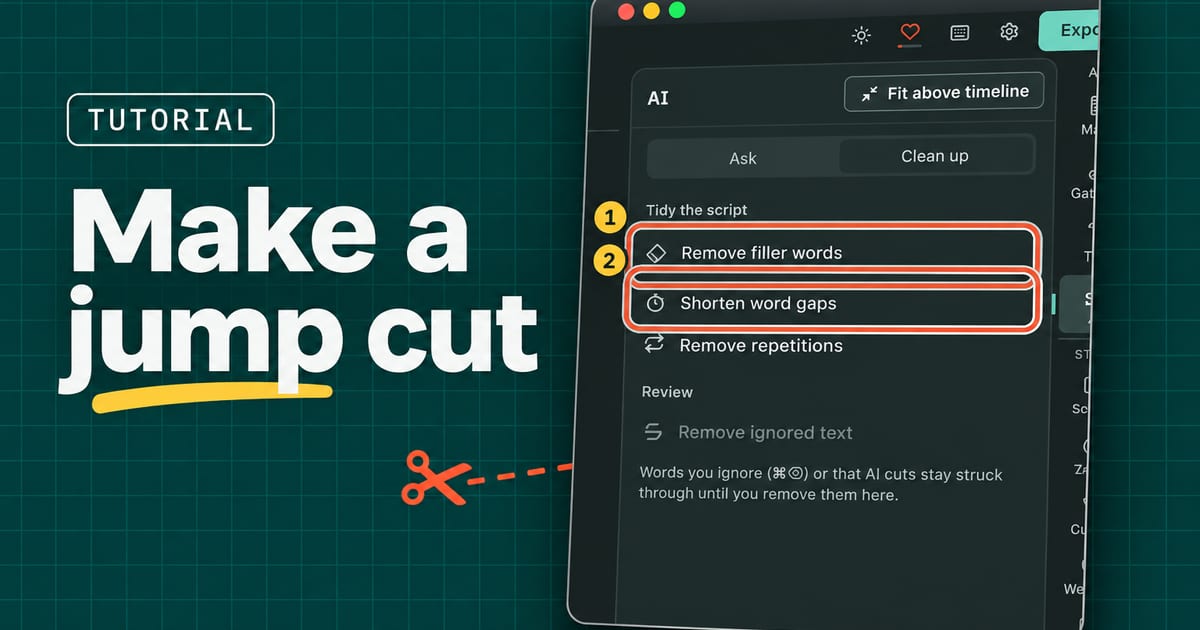
How to make a jump cut: 2 fast ways on a Mac
What a jump cut is, when it works, and two ways to make one on a Mac: split and delete by hand, or cut the pauses and fillers from the transcript.