Tutorials
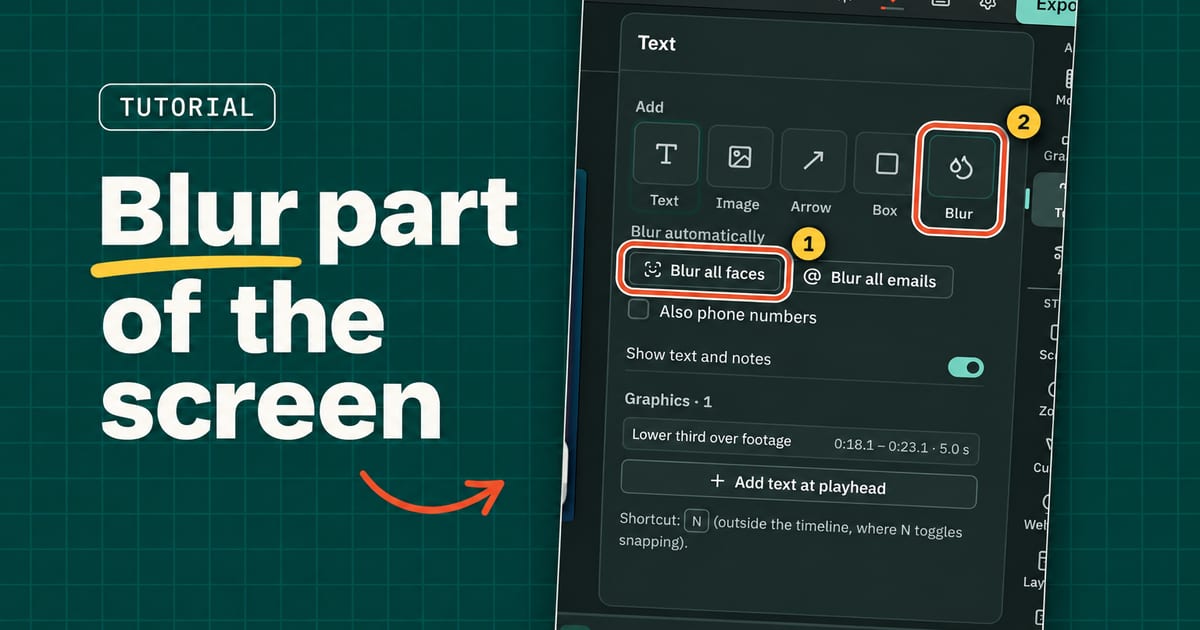
Blur screen in a video: 3 ways to hide private details
Hide emails, names, passwords and faces in a screen recording. A fixed box, a blur that follows, and what QuickTime Player and iMovie can do.
Blog · category
How to do one thing well in Cutscript, step by step.
Tutorials
Hide emails, names, passwords and faces in a screen recording. A fixed box, a blur that follows, and what QuickTime Player and iMovie can do.
Tutorials
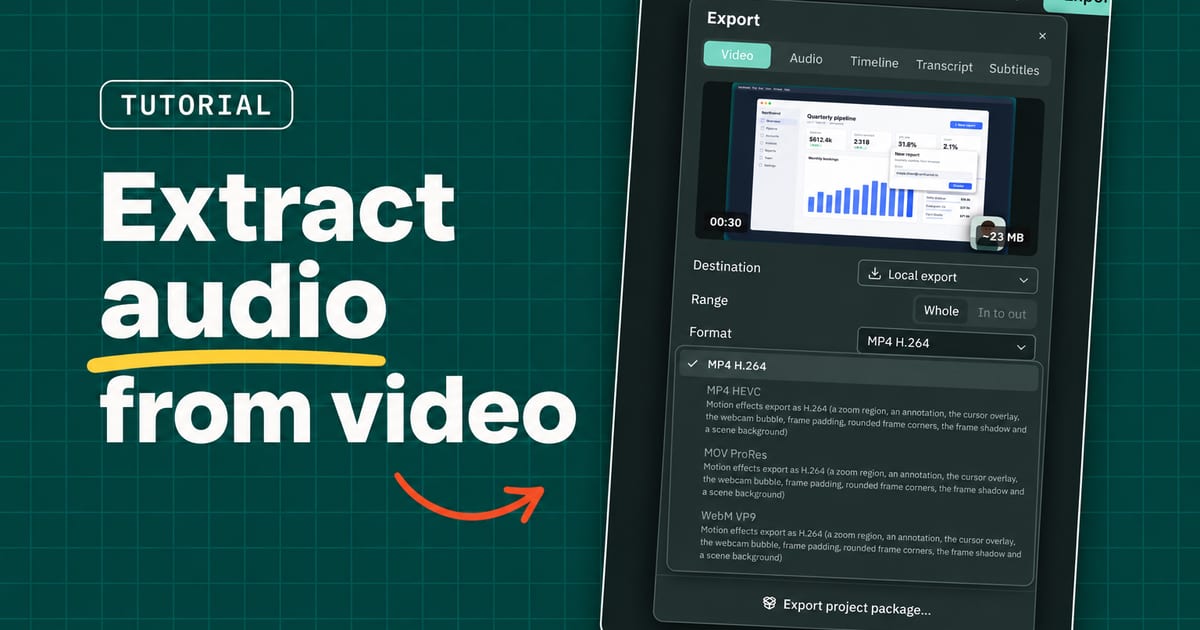
Pull the sound out of any video on a Mac with QuickTime Player, FFmpeg or Cutscript, and learn which of MP3, WAV and M4A to keep.
Tutorials
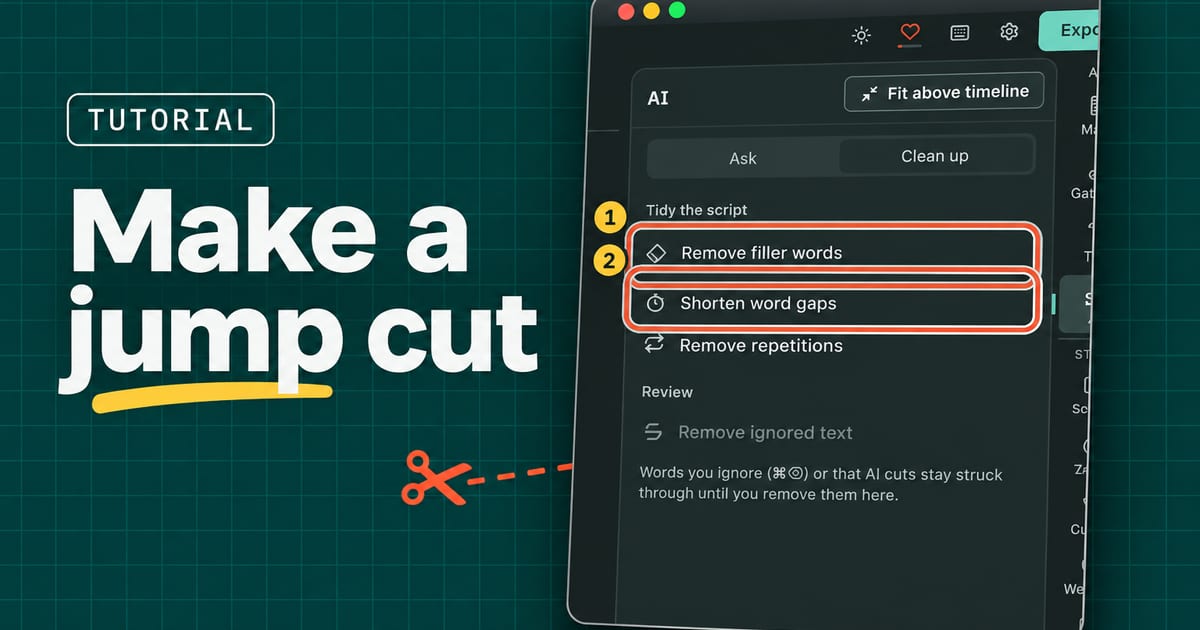
What a jump cut is, when it works, and two ways to make one on a Mac: split and delete by hand, or cut the pauses and fillers from the transcript.
Tutorials
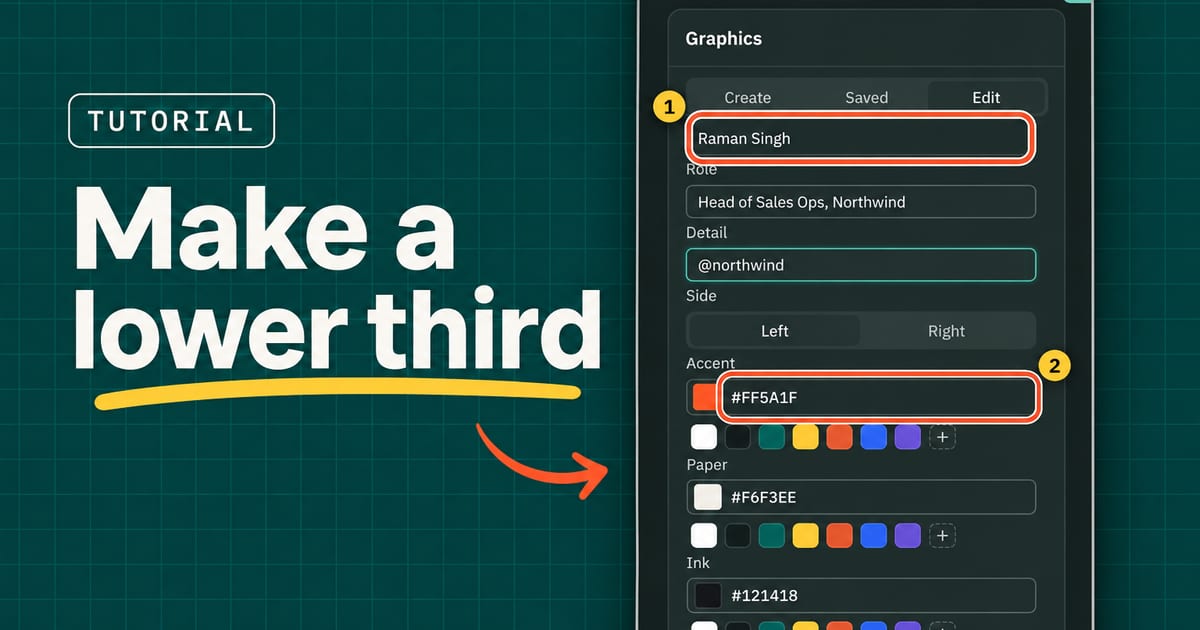
What a lower third is, the safe area and contrast rules that keep it readable, and three free ways to build one on a Mac.
Tutorials
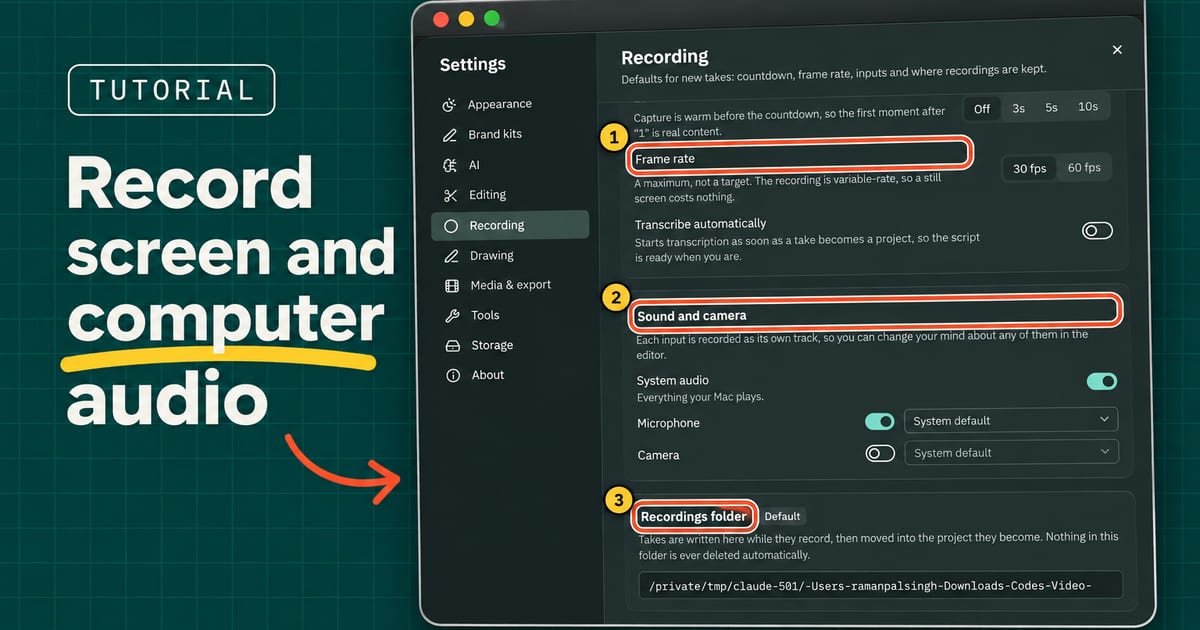
What the built-in Mac tools record, which macOS version adds system sound, and how to capture screen, computer audio, mic and camera as separate tracks.
Tutorials
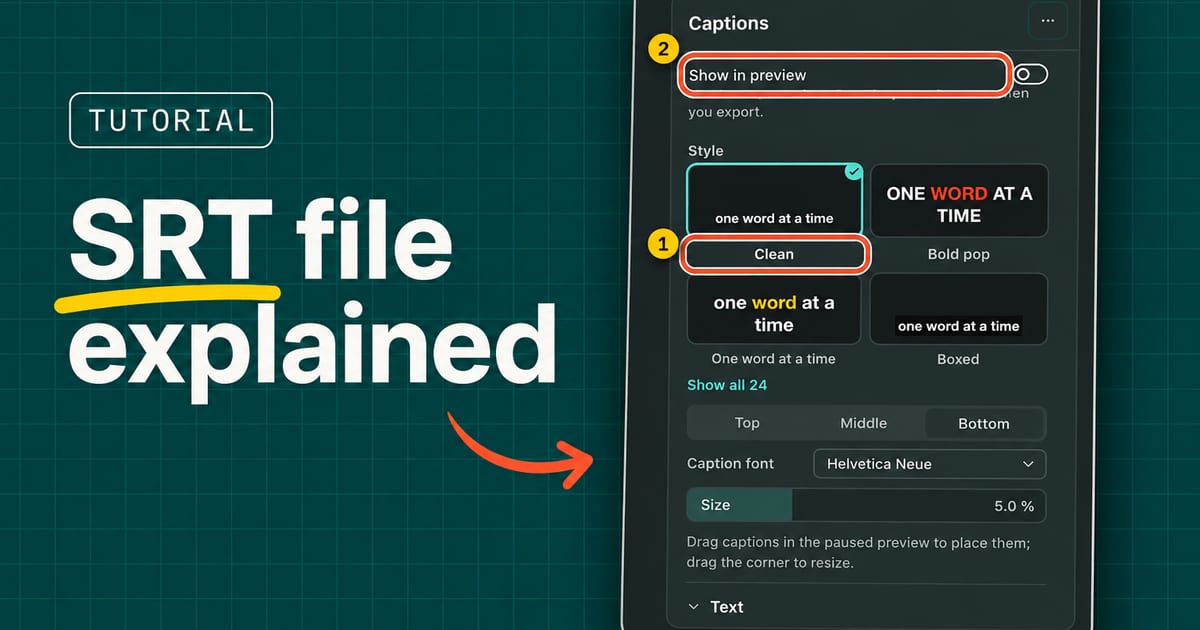
An SRT file is plain text with a number, a timecode and a line of words. Here is the exact format, how it differs from VTT, and three ways to make one.
Tutorials
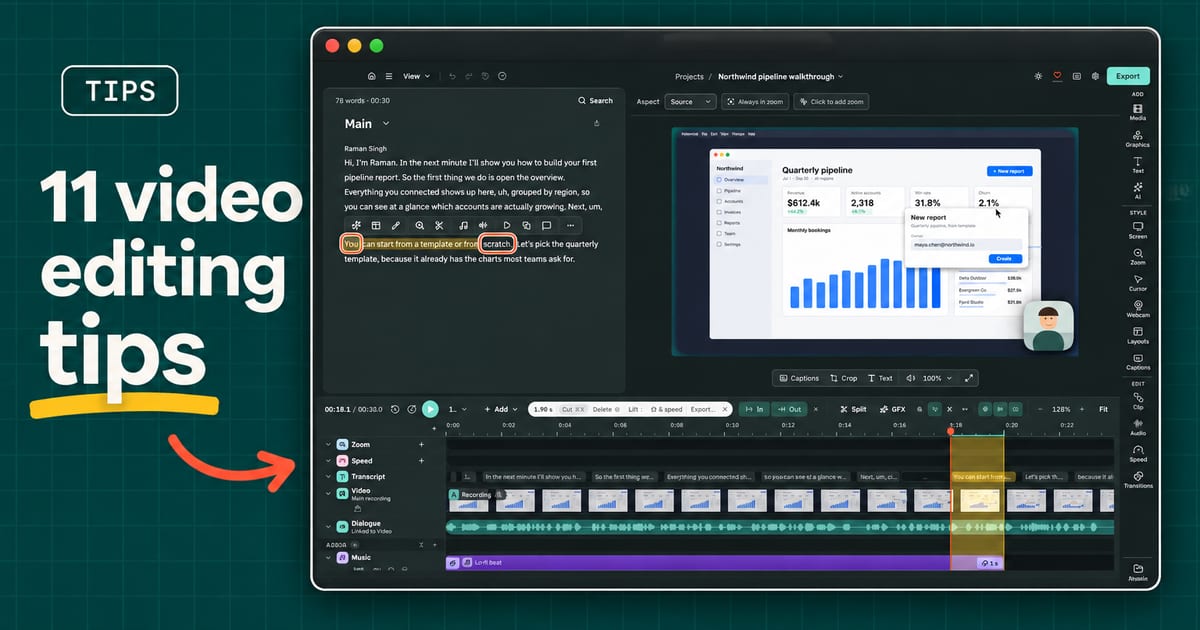
Eleven practical habits that cut editing time, from cutting by script to captions, loudness and the right export settings, with the free Mac way for each.
Tutorials
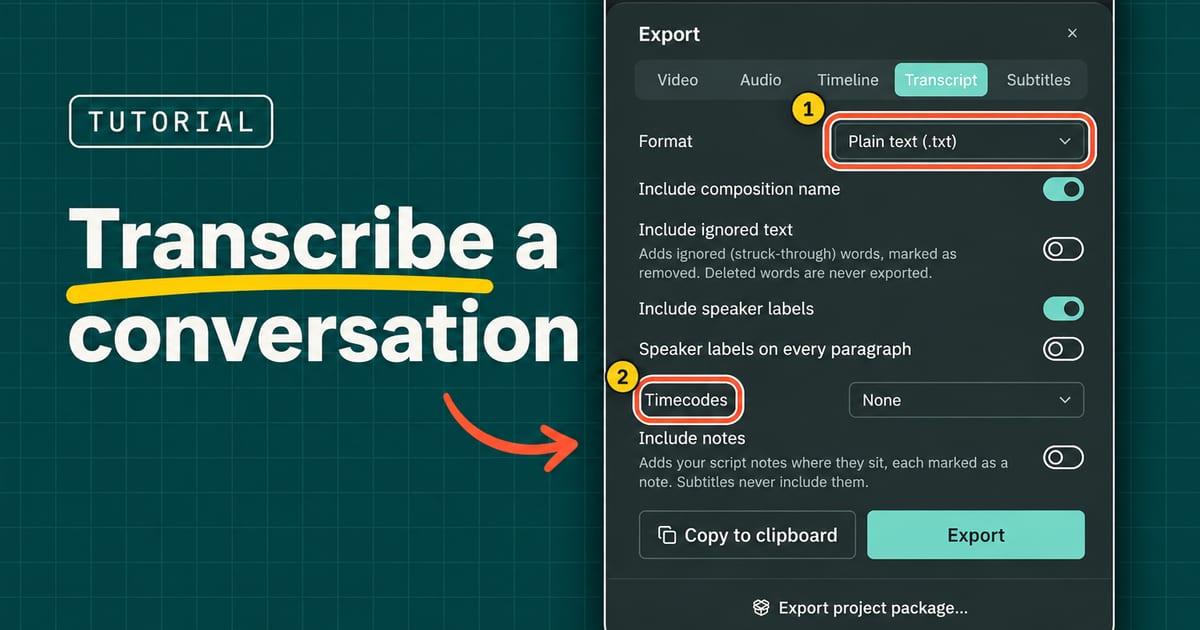
Record an interview with consent, get a transcript with the apps on your Mac, then add speaker labels and an export with Cutscript.
Tutorials
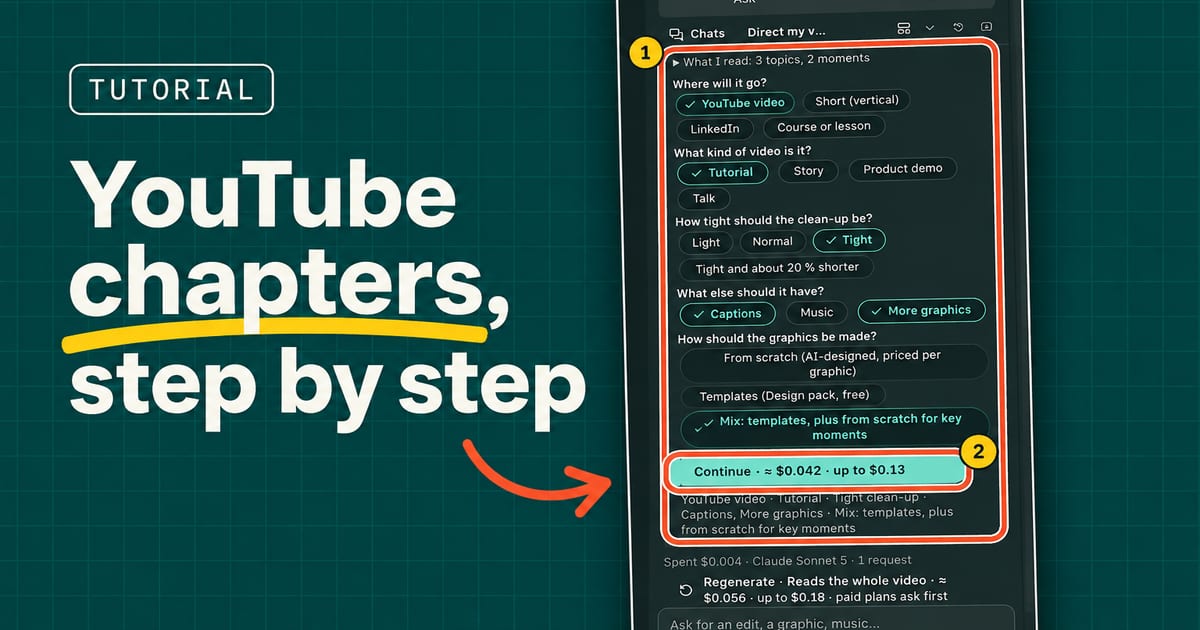
The exact rules for YouTube chapters, how to add them in YouTube Studio, and two fast ways to get the timestamps.
Tutorials
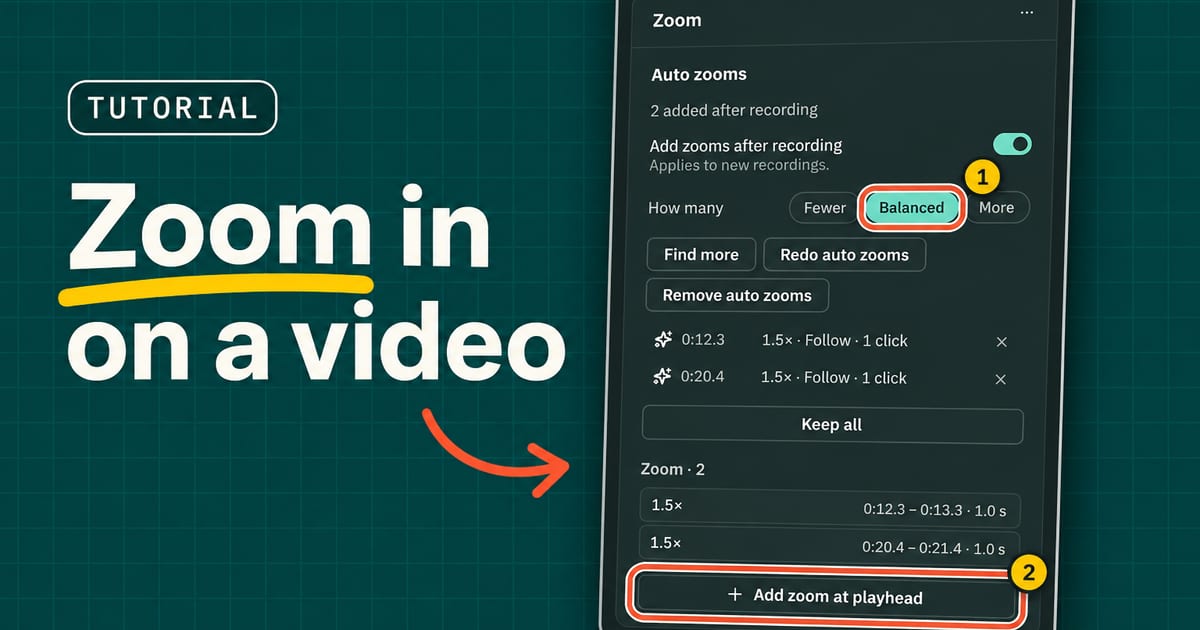
Crop a part of the frame, glide into it, or let clicks trigger the zoom. Here is how each works, and why record size decides how sharp it looks.