YouTube chapters: add them step by step, by hand or with AI
The exact rules for YouTube chapters, how to add them in YouTube Studio, and two fast ways to get the timestamps.
I used to scrub through every upload and write down where each topic started. It took 20 minutes for a 15-minute video. YouTube chapters turn that list into clickable sections, and the rules are short.
Here is everything I know, from YouTube's own help page, plus two ways to get the timestamps without scrubbing.
Quick answer: To add YouTube chapters, open the video in YouTube Studio and type a list of timestamps and titles in the description. The first timestamp must be 00:00, you need at least three, in ascending order, and each chapter must run at least 10 seconds. Save, and the chapters appear.
Key Takeaways
YouTube chapters come from a list of timestamps and titles in the video description, and the first timestamp must be 00:00.
A video needs at least three timestamps in ascending order, and each chapter must be at least 10 seconds long.
YouTube can add automatic chapters, but chapters you write yourself override them.
You can turn automatic chapters off for one video or for all uploads.
Claude can turn a timestamped transcript into short, keyword-friendly chapter titles that follow YouTube's rules.
Cutscript writes the chapter list from your transcript for videos of about five minutes or more, and you copy it into the description.
What are YouTube chapters?
YouTube chapters divide a video into sections. YouTube says each chapter gets its own preview, adds context to each part and makes it easier to rewatch specific parts. Viewers jump straight to the part they need.
Google Search uses the same idea. Google calls them key moments, tries to detect them automatically, and says it prioritizes key moments you set in the YouTube description. I make no claim beyond that: neither page promises more views.
What are the rules for YouTube chapters?
These come from YouTube Help, word for word in meaning:
The first timestamp you list must start with 00:00.
The video needs at least three timestamps, in ascending order.
The minimum length for a chapter is 10 seconds.
The list of timestamps and titles goes in the video description.
Break one rule and the chapters do not show. When someone tells me their chapters are missing, it is almost always a first stamp at 0:05 or a list with two lines.
A list that works:
00:00 Intro
01:12 Record the screen
04:30 Cut the filler words
08:05 Add captions
11:40 Export for YouTube
How do I add chapters in YouTube Studio?
YouTube's steps are short.
Sign in to YouTube Studio.
Select Content in the left menu.
Click the video.
Paste your list of timestamps and titles into the Description.
Save.
You can do this on a video that is already published. Edit the description, save, and the chapters follow.
How do I find the timestamps fast?
The slow part is not typing. It is finding where each topic starts.
The free Mac way
Play the video in QuickTime Player, note where each topic changes, and type the list in TextEdit or Notes. It costs nothing. The built-in tools cannot find topic changes for you, so you scrub and listen. For a 10-minute video that is a few minutes. For an hour it is a chore.
The Cutscript way: chapters from the transcript
Direct my video reads your whole transcript and plans chapters for you. It makes chapter markers, chapter cards and a YouTube chapter list for videos of about five minutes or more, and the Chapters section of the plan is free.
You need a transcript and an AI source: a Claude plan, a ChatGPT plan or an OpenRouter key.
Open the project and press
⌘ 4to open the AI panel.Press the Direct my video card, then Send.
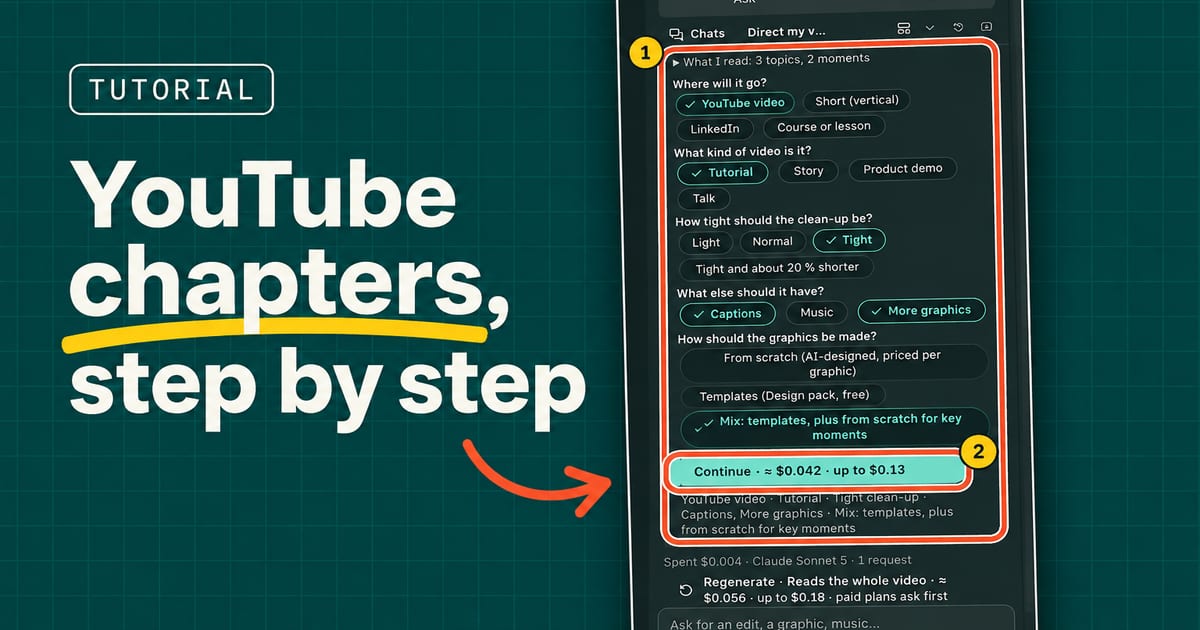
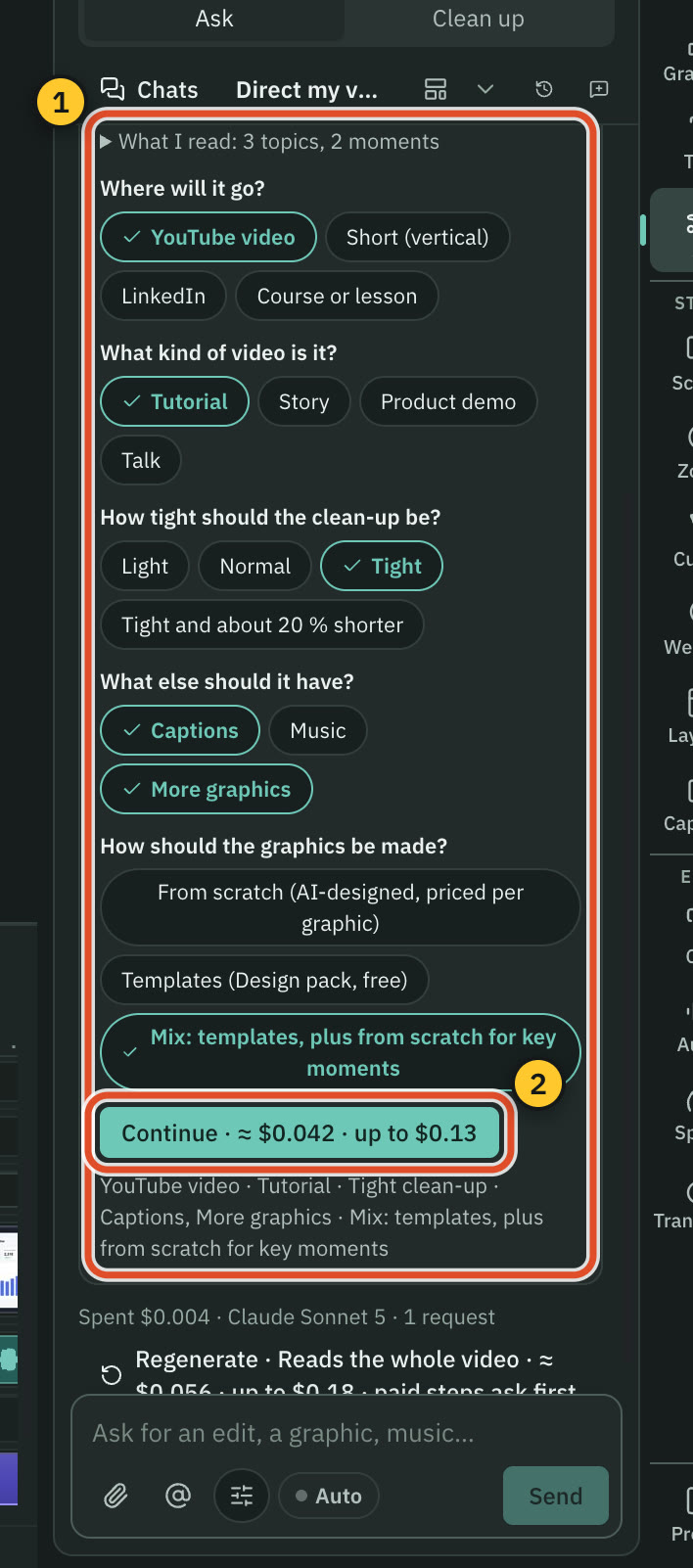
Answer the questions. Under Where will it go? pick YouTube video. Press Continue.
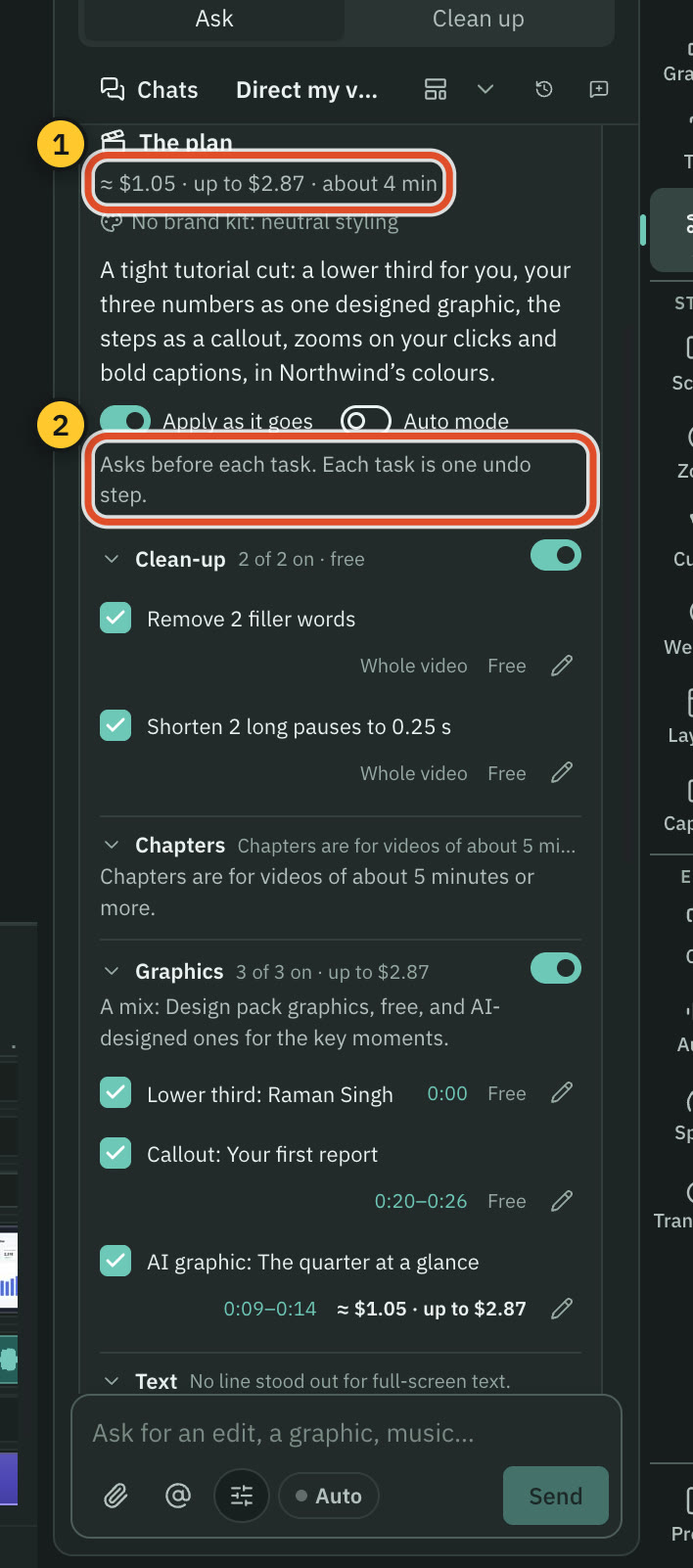
Read the plan. The Chapters section lists each chapter with a time you can click to jump to. Edit a title with the pencil, or switch the section off.
Press Approve plan. If you want more or fewer chapters, press Change... and type "chapters every few minutes".
When the run finishes, find the YouTube chapter list on the Done card and press Copy.
Paste it into the description in YouTube Studio.
Cutscript starts the first chapter at 0:00, which YouTube needs for chapters to show. Cutscript edits first and writes the times after, so the chapters match the cut video, not the raw take. See export and handoff for the rest of the upload routine.
Where Claude helps: write chapter titles from a transcript
In the Claude desktop app, Claude Code can run FFmpeg on your video.
In a regular chat, the upload list for Claude covers documents and images, not video, so give it a timestamped transcript.
Paste this into Claude with the transcript. The Claude prompting guide recommends a clear role, the input, rules and an exact output format, which is what this prompt does.
You are a YouTube editor. Below is a timestamped transcript of one video.

Write YouTube chapters from it.

Rules:
- The first line must be 00:00.
- Write at least 3 chapters, in ascending time order.
- Every chapter must run at least 10 seconds.
- Start each chapter where the topic actually changes in the transcript.
- Titles are 2 to 6 words, plain language, and use the words a viewer would search for.
- Do not number the titles. No emoji. No quotation marks.
- Use the format MM:SS Title (use H:MM:SS if the video is over an hour). One chapter per line.

Output only the list, nothing else. Then, on a new line, give the total number of chapters.

Transcript:
[paste the transcript with timestamps here]
Check the first line says 00:00 and that no two stamps are under 10 seconds apart. Then paste the list into the description. You can also export a transcript or subtitle file from Cutscript to use as the input.
What are good YouTube chapter titles?
Short, specific titles scan best. "Cut filler words" beats "Next, let's talk about something else." Use the phrase a viewer would type into search, in 2 to 6 words, and keep one idea per chapter.
I keep a chapter to a real topic change. Do not split every minute: three to eight chapters in a ten-minute video is plenty.
Do I need to add chapters myself, or does YouTube add them?
YouTube may add chapters for you. Automatic chapters are not available for every video, and a channel with active strikes or content that may be inappropriate for some viewers does not get them. Chapters you write override the automatic ones, so a hand-written list is the one that shows.
How do I turn off automatic chapters?
For one video: open it in YouTube Studio, click Show more, untick Allow automatic chapters under Automatic Chapters, and click Save.
For all uploads: go to Settings, then Upload defaults, then Advanced settings, untick Allow automatic chapters (when available and eligible), and click Save.
Mistakes that break YouTube chapters
Mistake | Fix |
|---|---|
First timestamp is not 00:00 | Start the list with 00:00 |
Fewer than three timestamps | Add chapters until you have at least three |
Chapters under 10 seconds | Merge short chapters |
Timestamps out of order | List them in ascending order |
List is not in the description | Paste it into the Description in Studio |
Which method should I pick?
Method | Cost | Best for |
|---|---|---|
By hand in QuickTime Player and Notes | Free | Videos under 10 minutes |
Claude with a transcript | Your Claude plan | Cleaner titles from a transcript you already have |
Cutscript Direct my video | Needs an AI source | Videos of five minutes or more, with the list ready to copy |
Frequently Asked Questions (FAQs)
How many chapters does a YouTube video need?
At least three timestamps, in ascending order, with the first at 00:00. YouTube Help states this rule. More than three is fine as long as each runs at least 10 seconds.
Why are my YouTube chapters not showing?
Check the rules first: the first stamp must be 00:00, there must be three or more, and each chapter must be at least 10 seconds. The list must also be in the description. Fix one and save.
Can I add chapters to a video that is already published?
Yes. Open the video in YouTube Studio under Content, edit the description, and save. YouTube's steps apply to any video you own.
Do YouTube chapters help with search?
Google says it prioritizes key moments you set in the YouTube description over ones it detects automatically, per Google Search Central. Neither Google nor YouTube promises a ranking boost.
How do I turn off automatic chapters?
Open the video in YouTube Studio, click Show more, untick Allow automatic chapters, and save. For every upload, change it under Settings, Upload defaults, Advanced settings.
Final Thoughts
YouTube chapters need one list in the description: start at 00:00, use at least three timestamps, and keep every chapter at 10 seconds or more. The slow part is finding the times, and that is the part a transcript solves. Run Direct my video in Cutscript on your next video, press Copy on the Done card and paste the list into YouTube Studio.
Comments
Longer questions go better in the forum.
No comments yet. Ask a question or add what you found.
Sign in with GitHub or Google to comment.
Sign in to commentKeep reading
Tutorials
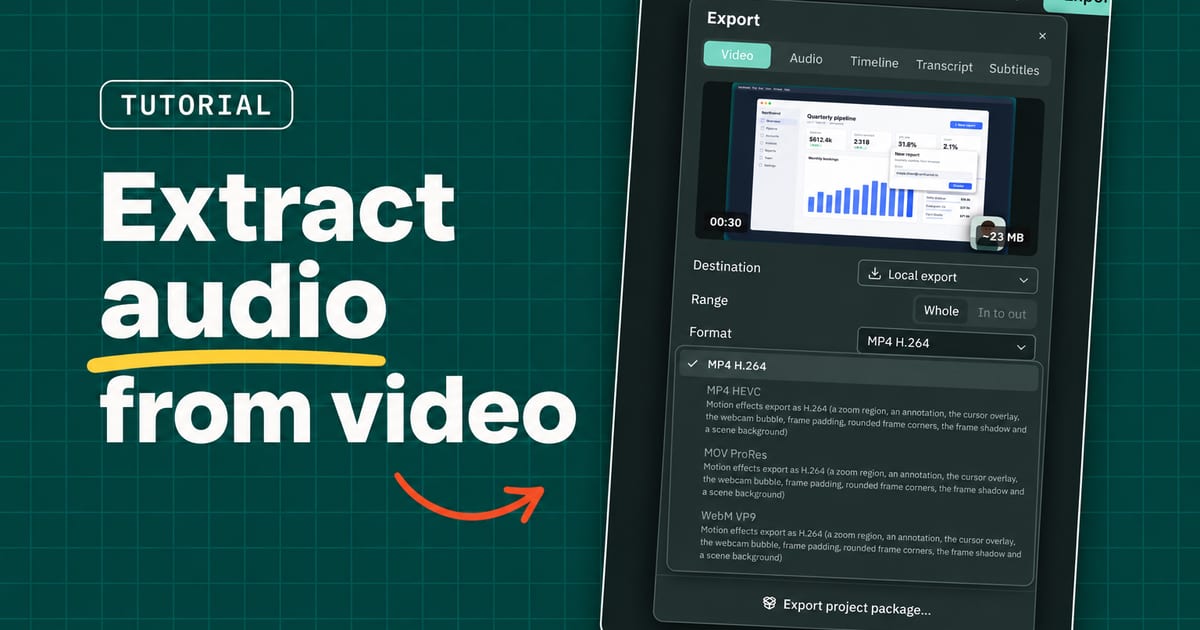
Extract audio from video on a Mac: 3 free ways, step by step
Pull the sound out of any video on a Mac with QuickTime Player, FFmpeg or Cutscript, and learn which of MP3, WAV and M4A to keep.
Tutorials
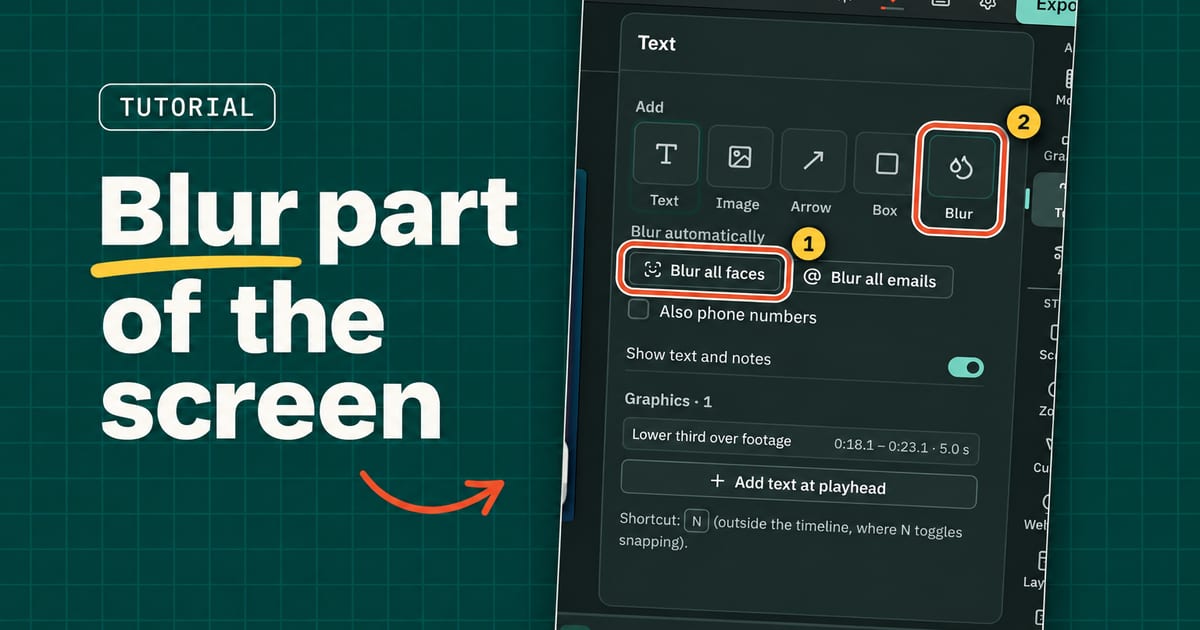
Blur screen in a video: 3 ways to hide private details
Hide emails, names, passwords and faces in a screen recording. A fixed box, a blur that follows, and what QuickTime Player and iMovie can do.
Tutorials
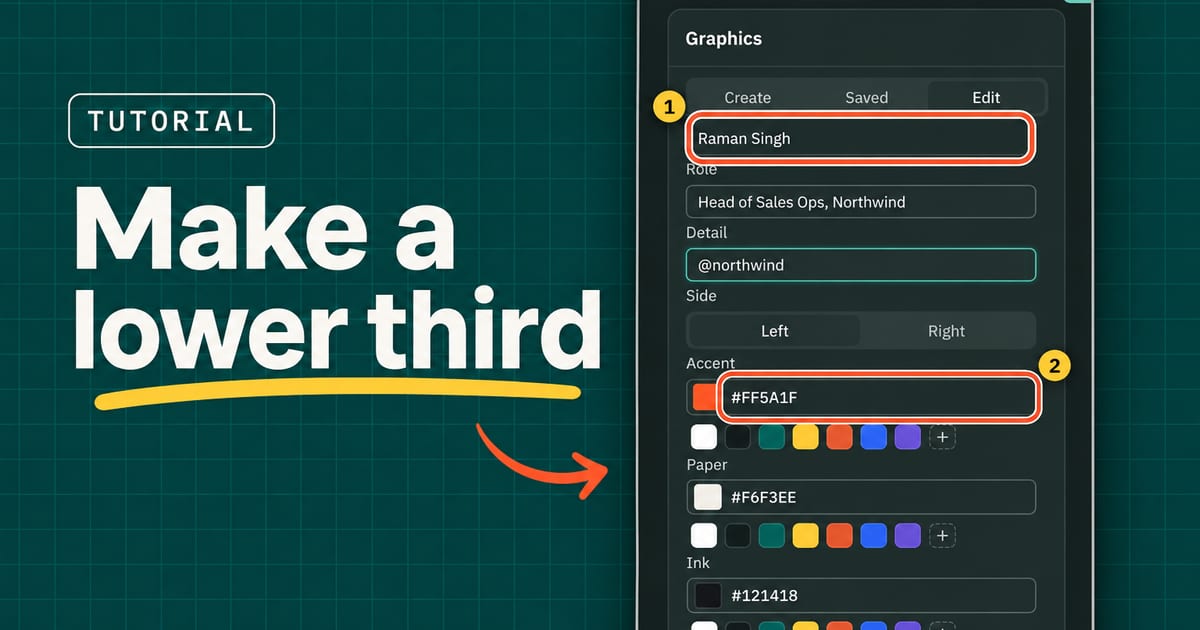
Lower third: how to make one for free on a Mac
What a lower third is, the safe area and contrast rules that keep it readable, and three free ways to build one on a Mac.