Export audio
Export only the sound as WAV, AIFF, FLAC, Apple Lossless, AAC, MP3 or Opus, at 44.1, 48 or 96 kHz, with a named loudness target.
The Audio tab of Export saves only the sound of your edit: the main track, the recorded tracks as the Recorded tracks panel mixes them, every audio clip, click sounds and the sound of your B-roll. It is the same mix the video export uses. Every audio format is free, on every plan, and an audio file never carries the watermark.
Export audio
- Press Export in the top right, or press
⌘ E. - Pick the Audio tab.
- Choose a Format and its settings (below).
- Press Export and choose where to save the file.
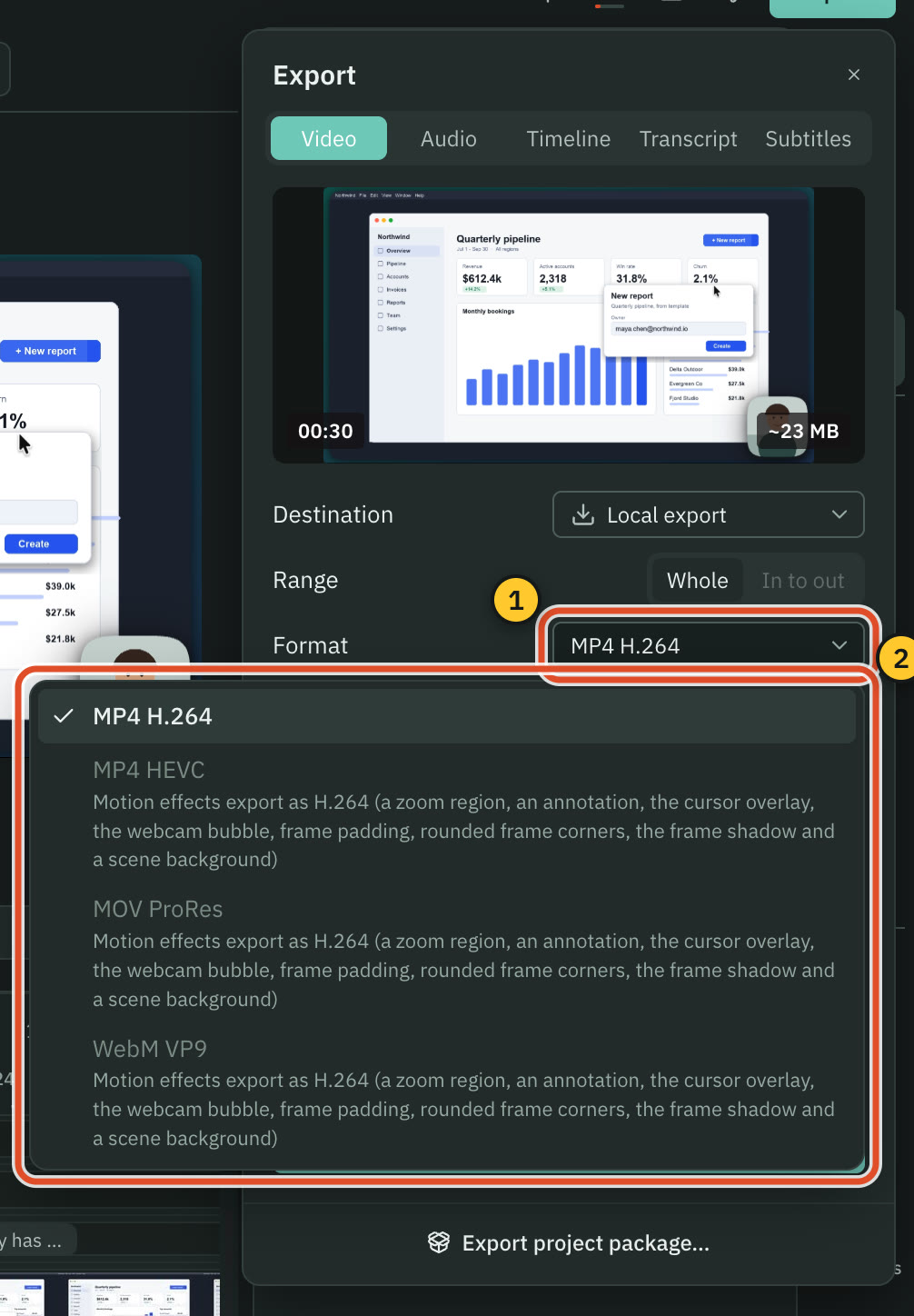
Formats
The Format menu lists the lossless formats first, then the smaller files.
| Format | What it is for | About a minute (48 kHz stereo) |
|---|---|---|
| WAV (.wav) (the default) | Editing, mastering and anything you will process again. | 11 MB at 16-bit, 16.5 at 24-bit, 22 at 32-bit float |
| AIFF (.aiff) | The same sound as WAV, in the container Apple tools prefer. | As WAV |
| FLAC (.flac) | Lossless at about a third of the size of WAV. | About 4 MB on speech |
| Apple Lossless (.m4a) | Lossless that plays in Apple apps. | About 7.6 MB on speech |
| AAC (.m4a) | Small files that play everywhere. | 1.4 MB at 192 kbps |
| MP3 (.mp3) | Podcasts. Apple Podcasts takes MP3 at 128 to 256 kbps. | 0.77 MB at V2, 2.3 at 320 kbps |
| Opus (.opus) | The best sound at low bitrates, for the web and voice. | 0.81 MB at 128 kbps |
The line beside the bit depth or bitrate row says about how many MB a minute your choice takes. The figures were measured on a speech clip, so music and noise can take more for FLAC, Apple Lossless and the variable bitrates.
The settings
The main rows hold the audio version of Quality:
| Format | Row | Choices |
|---|---|---|
| WAV | Bit depth | 16-bit, 24-bit (the default), 32 float |
| AIFF, FLAC, Apple Lossless | Bit depth | 16-bit, 24-bit |
| AAC | Bitrate | 128, 160, 192 (the default), 256 or 320 kbps |
| MP3 | Bitrate | Fixed with Fixed rate 128, 192, 256 or 320 kbps, or Variable with Variable quality: Good, Better (the default) or Best (LAME V4, V2 and V0) |
| Opus | Bitrate | 64, 96, 128 (the default), 192 or 256 kbps |
Loudness sits below them. See Loudness.
Open Advanced for:
- Sample rate: 44.1 kHz, 48 kHz (the default) or 96 kHz. 96 kHz is for the lossless formats; MP3 and AAC go up to 48 kHz.
- Channels: Mono or Stereo.
- Variable bitrate (AAC, Mac only): spends less on quiet parts, up to the bitrate you picked.
- Tuned for (Opus): Music or Speech.
Opus plays at 48000 Hz only, so the other rates are greyed out for it. When your audio is at another rate, the panel says "Opus plays at 48000 Hz, so your 44100 Hz audio will be converted." (with your rate).
Loudness
Loudness sets how loud the whole mix sounds. A target measures the mix first, then sets it in a second pass, with a true-peak ceiling of -1 dBTP.
| Choice | What it does |
|---|---|
| Off (the default) | Leaves the levels as they are. |
| Peak | Raises or lowers the mix so its loudest moment is at -1 dB. |
| Streaming | -14 LUFS, the target of most music streaming. |
| Podcast | -16 LUFS, what Apple Podcasts asks for. |
| -18 LUFS | A quieter target for speech. |
| Broadcast | -23 LUFS, the EBU R128 broadcast target. |
The same choices are on the Video tab, under Advanced. See Get clean sound.
Saved choices
The tab remembers your last choices. If you set it up before these formats existed, it opens on the file you made then: WAV, AIFF, FLAC and Apple Lossless at 16-bit, AAC at 128 kbps mono or 256 kbps stereo, and MP3 at a fixed bitrate.
Related
Was this page helpful?
Comments
Longer questions go better in the forum.
No comments yet. Ask a question or add what you found.
Sign in with GitHub or Google to comment.
Sign in to comment